
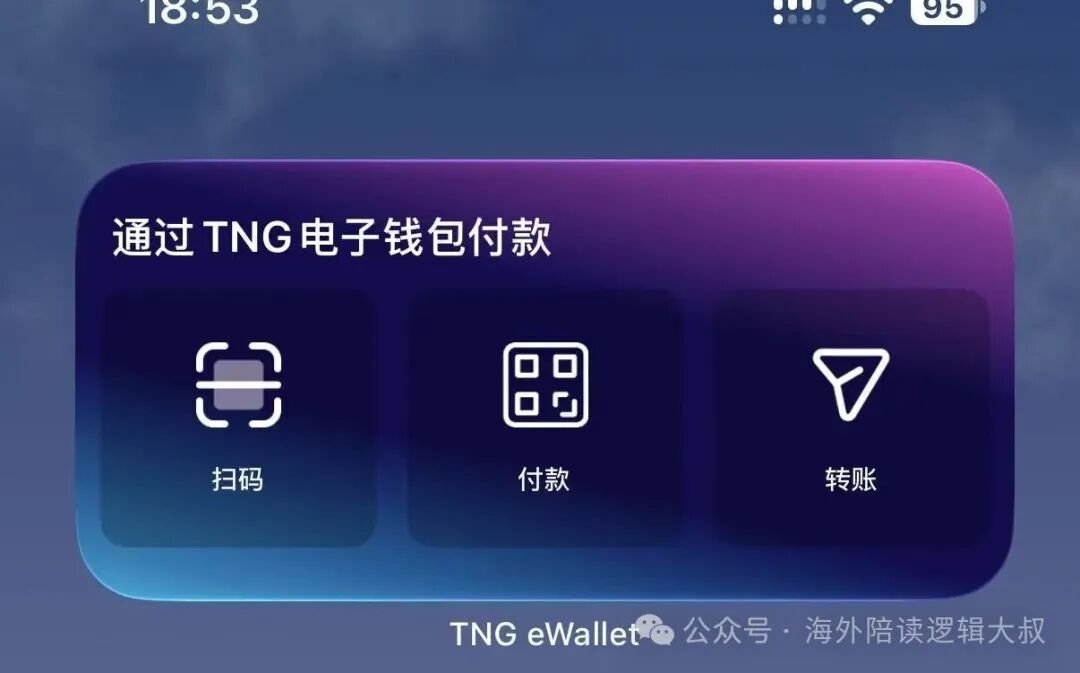
Touch 'n Go eWallet is near-unavoidable in Malaysia: it covers daily QR payments, parking and highway tolls. An unverified wallet caps your balance at around RM200, so finish eKYC early — verification lifts it towards RM20,000. If you drive, a passive RFID sticker costs about RM35.
1. Why Touch 'n Go eWallet is hard to avoid in Malaysia
Newcomers to Malaysia notice it quickly: at the milk tea shop, the night market stall and the mall car park, several QR codes are taped up by the till, and one of them is almost always Touch 'n Go eWallet, known locally simply as TNG. It is not a bank app but a standalone e-wallet, backed by the Touch 'n Go group and the local banking system.
Its importance comes from appearing in two worlds at once: small everyday spending — food, drinks, parking — and driving and transport — highway tolls, mall barriers, the light rail. For a visitor it is a handy way to pay. For someone living here, it is closer to a daily pass: without it, things that take three seconds suddenly get awkward.
Crucially, it supports Malaysia's national QR standard, DuitNow QR. If a shop accepts QR payment, you can almost always pay with it, with no need to install a pile of separate apps.
2. Signing up: one local number and one identity check
The barrier to entry is low, but two requirements are worth knowing in advance.
- A Malaysian mobile number. Registration needs an SMS code, so getting a local SIM card first is the smoothest order. Once a number is linked, changing it later is a hassle, so use one you intend to keep.
- An identity check (eKYC). You upload a document and pass a liveness check, following prompts on camera. Malaysians usually use MyKad; foreigners typically verify with a passport.
Why verify? Because wallets are tiered. An unverified basic wallet has a very low balance cap (around RM 200), with limits on each transaction and per month. Once verified, the balance cap rises substantially, into the RM 20,000 range, and everyday use becomes genuinely smooth. Trying to top up a large amount right after registering usually stalls at this step.
Wallet tiers, balance caps and which features are open to you are adjusted with regulation and app versions. Treat the current in-app terms as the final word. This article explains the flow and the patterns, not the official terms.
3. Topping up: four common routes
Think of topping up simply as putting money into the wallet. The routes differ in convenience:
The most common is FPX online banking: pick your Malaysian bank, approve in online banking, and the money lands instantly. Without a local bank card, a DuitNow transfer from your mobile banking app works just as well. If you prefer cards, you can link a debit or credit card. And if you keep forgetting, turn on auto top-up to refill whenever the balance drops below a level you set.
| Top-up method | Speed | Needs a bank card? | Best for |
|---|---|---|---|
| FPX online banking | Instant | No, approved via online banking | Anyone with a local bank account |
| DuitNow transfer | Instant | No, sent from mobile banking | Quick top-ups and emergencies |
| Debit or credit card | Instant | Yes | People who prefer cards over online banking |
| Auto top-up | Triggered | A payment method must be linked first | Anyone who keeps forgetting |
One thing to watch: topping up by credit card can sometimes be treated as a cash advance by the issuing bank, which may carry an extra fee. Debit cards and online banking usually avoid this.
4. RFID and tolls: the sticker on your windscreen
Malaysian highways mostly use closed-system tolling: recorded on entry, charged by distance on exit. Drivers once tapped a physical TNG card at the booth; now more and more lanes run on RFID.
A TNG RFID is a passive sticker tag with no battery of its own, fixed to the inside of the windscreen near the rear-view mirror, and it costs about RM 35. You then register the vehicle in the app and link the tag to your own eWallet. Once linked, the charge is deducted automatically as you pass through an RFID lane, with no stopping and no card to pull out; the lane speed limit is usually below 30 km/h.
A few things that go wrong:
- Placement: a metallic tint film on the windscreen can interfere with the signal. Confirm the spot first, or have the installation point test it for you.
- Matching plate: the registered plate must match the real one. Update it after changing cars or plates.
- Enough balance: with too little in the wallet the barrier will not lift, which is awkward in a queue. Check the balance before a long drive.
The RFID sticker and the earlier SmartTAG reader are two different systems: the first deducts automatically from your eWallet, the second needs a card inserted. If you are installing new, go with RFID.
If you plan to drive across a border, tolls and checkpoint procedure get more involved; see Driving from Malaysia to Thailand: Which Border, and How It Works.
5. The TNG card and the wallet are two things: PayDirect links them
This is where newcomers get confused. The wallet is the app on your phone; the TNG card is a physical card you tap at toll booths and transit gates. They share a brand but hold separate balances.
The catch with the card alone is reloading: petrol stations, convenience stores and kiosks can all do it, but it is still a trip. The fix is PayDirect. Link the physical card to your eWallet, and when a toll or transit charge comes through and the card balance is short, the amount is drawn from the wallet instead.
So for anyone who drives or uses public transport often, the sensible setup is a physical card in your pocket plus a wallet app that handles reloads and deductions — not one or the other.
6. Where you really cannot do without it
Laying the scenarios out makes it clearer. These are the ones I meet most often:
| Scenario | Usual method | Note |
|---|---|---|
| Highway tolls | RFID sticker or TNG card | Use the dedicated lane; limit is usually under 30 km/h |
| Mall and street parking | eWallet QR or card at the barrier | Some older car parks still need the physical card |
| Public transport (LRT, buses) | TNG card | Around Kuala Lumpur, rail and buses are mostly tap-card based |
| Utility, internet and phone bills | Paid inside the eWallet | Covers many utilities and telcos |
| Traffic summons | Paid inside the eWallet | Saves a trip to the counter |
| Hawker centres and convenience stores | eWallet QR | DuitNow QR is widely accepted |
| Sending money to friends | Transfer inside the eWallet | Small amounts arrive instantly, handy for splitting bills |
On the other hand, plenty of places still take cash only: some hawker centres, traditional wet markets, roadside stalls and the odd older car park. So even with the wallet, keeping a little cash on you is still wise.
7. Common pitfalls
- Verification not finished: the low balance cap can block transfers and bill payments outright.
- Phone number trouble: changing numbers, a suspended line or roaming that blocks the SMS code all make logging in painful. Keep a long-term number and plan a backup verification route.
- Account security: set a separate payment PIN and never hand over the phone and PIN together. Confirm the recipient before any large payment.
- Low balance: discovering it at the barrier is the worst moment; auto top-up removes the whole problem.
- Refunds and disputes: if you scan the wrong code or get double-charged, raise it through the in-app transaction history as soon as you can, rather than trying to remember later.
8. Practical advice for long-stay families
A few last lessons from doing this myself:
- Set it up in your first week: once the SIM card is done, register while you are at it; a single verification pays off for years.
- Keep two top-up routes: online banking or DuitNow as the everyday one, a bank card as backup.
- Turn on auto top-up: it deletes low-balance surprises from your life.
- Fit RFID early if you drive: one installation, and every toll after that saves time.
- Keep a little cash: not every stall takes a scan.
Once payments are sorted, the rest of daily life tends to follow. For the bigger picture on spending, see Cost of Living in Penang: A Real Monthly Budget; if you are still settling in, Renting in Penang: Deposits, Contracts and Getting Settled covers the steps in full.
Frequently asked questions
Can foreigners register Touch 'n Go eWallet in Malaysia?
Yes. You need a Malaysian mobile number to receive the SMS code and a passport to complete the identity check (eKYC); Malaysians usually use MyKad. A few features aimed at local users may not be open to foreigners, so check the in-app terms.
Why does my top-up keep failing?
Two reasons are most common: the wallet has not finished identity verification, and a basic wallet carries a very low balance cap and transaction limits; or the top-up channel itself did not go through, such as a failed online banking approval. Check the wallet tier in the app first, then the method.
What is the difference between RFID and a TNG card?
RFID is a passive sticker on the windscreen that deducts automatically once linked to your eWallet; a TNG card is a physical card you tap. Both get you through a toll, but RFID means no stopping and no card to pull out, so it is the better choice for a new setup.
Do I still need cash if I have Touch 'n Go eWallet?
Yes. Hawker centres, traditional wet markets, roadside stalls and some older car parks still run on cash. The safe approach is a wallet-first, cash-as-backup habit, keeping a little cash with you when you go out.